Screenshots
Prefer to click around? The online demo is the same interface on a library of well-known series, with every page and the built-in reader.
Every page follows the layout the *arr applications share, so Sonarr and Radarr users find their way at once. The library below is fictional: the titles, authors and covers are invented for the documentation, and the screenshots are regenerated from that dataset (see Developing Tankarr).
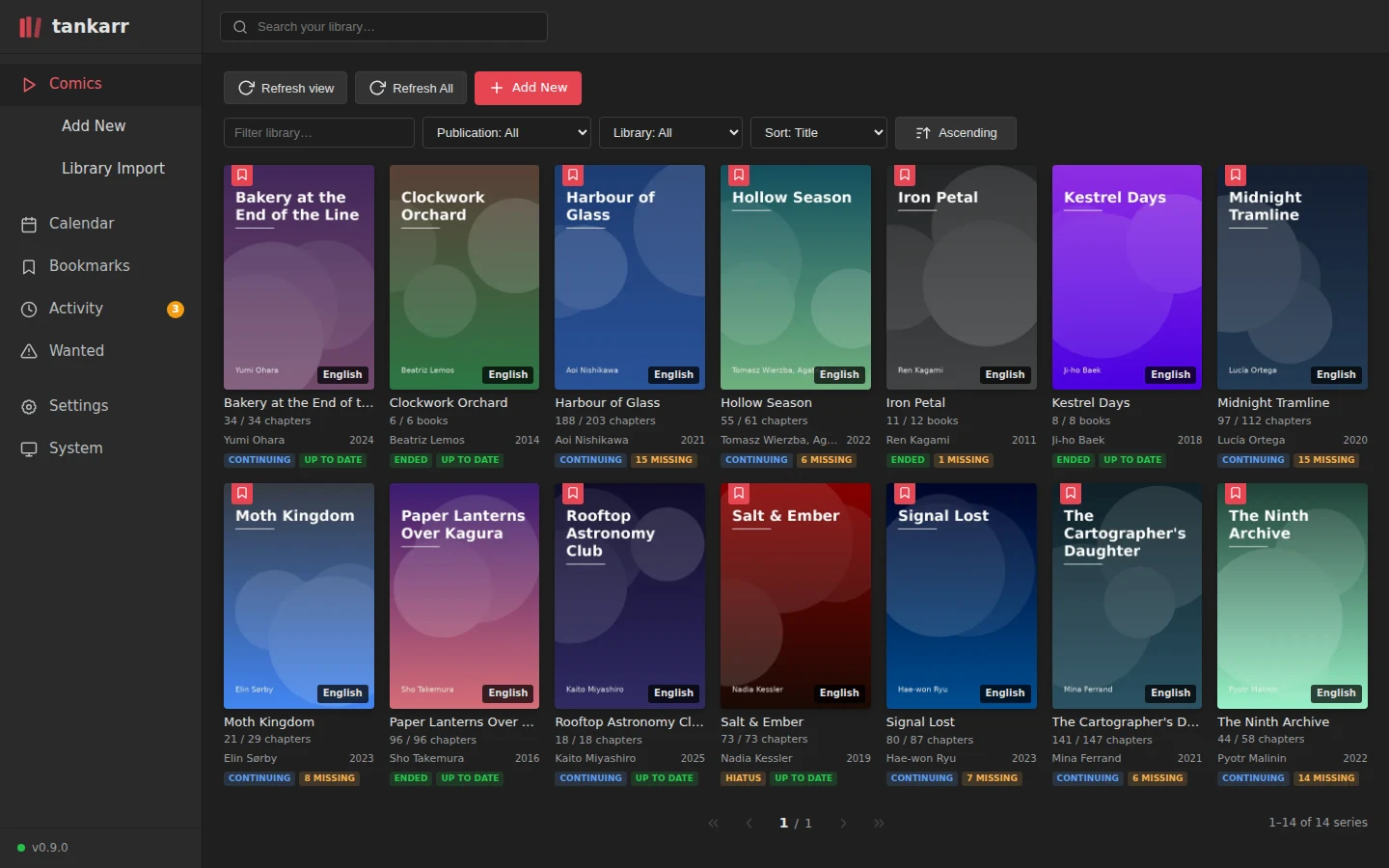
Library
Every series with its cover, language, the chapters or books on disk against the ones the work has, and whether it is up to date. Filter by publication status, library state or text; sort by title, year or completeness.
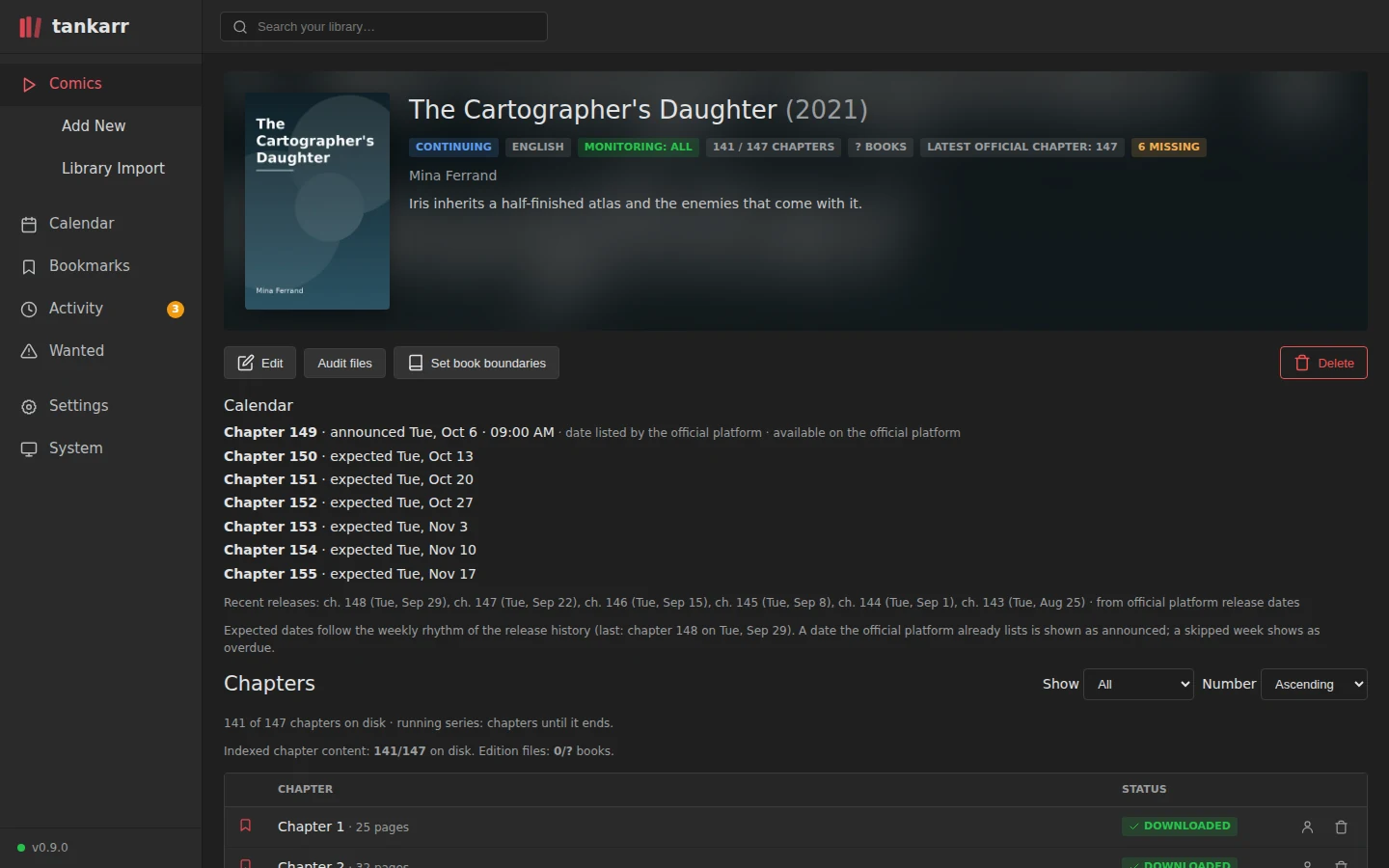
Series
One work: its metadata and cover from the catalogue, the monitoring profile, the release rhythm read from the publisher's platform with the next chapters announced or expected, and every chapter with its file on disk.
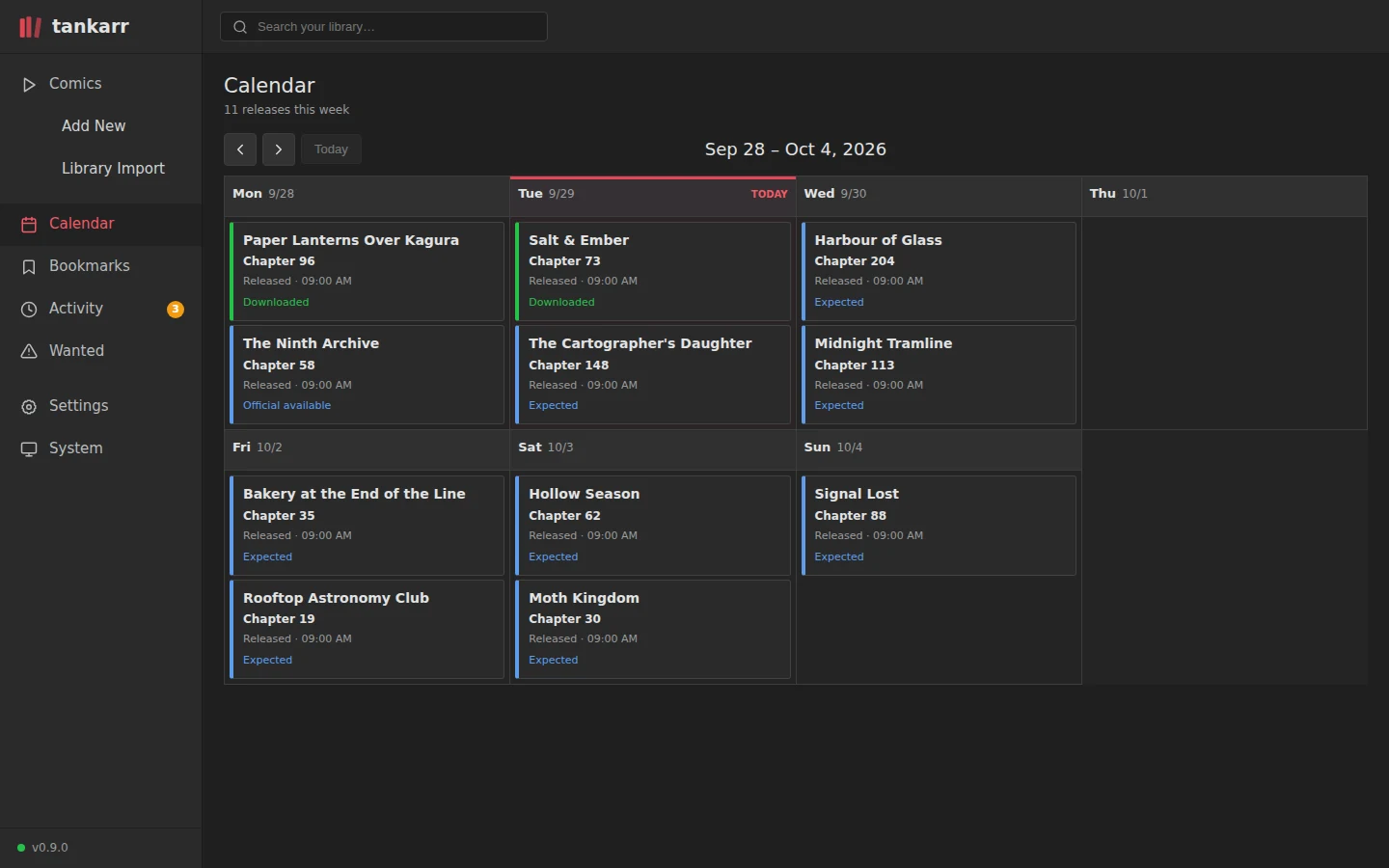
Calendar
The week's releases across the library: downloaded, available on the official platform, or expected from each series' cadence.
Wanted
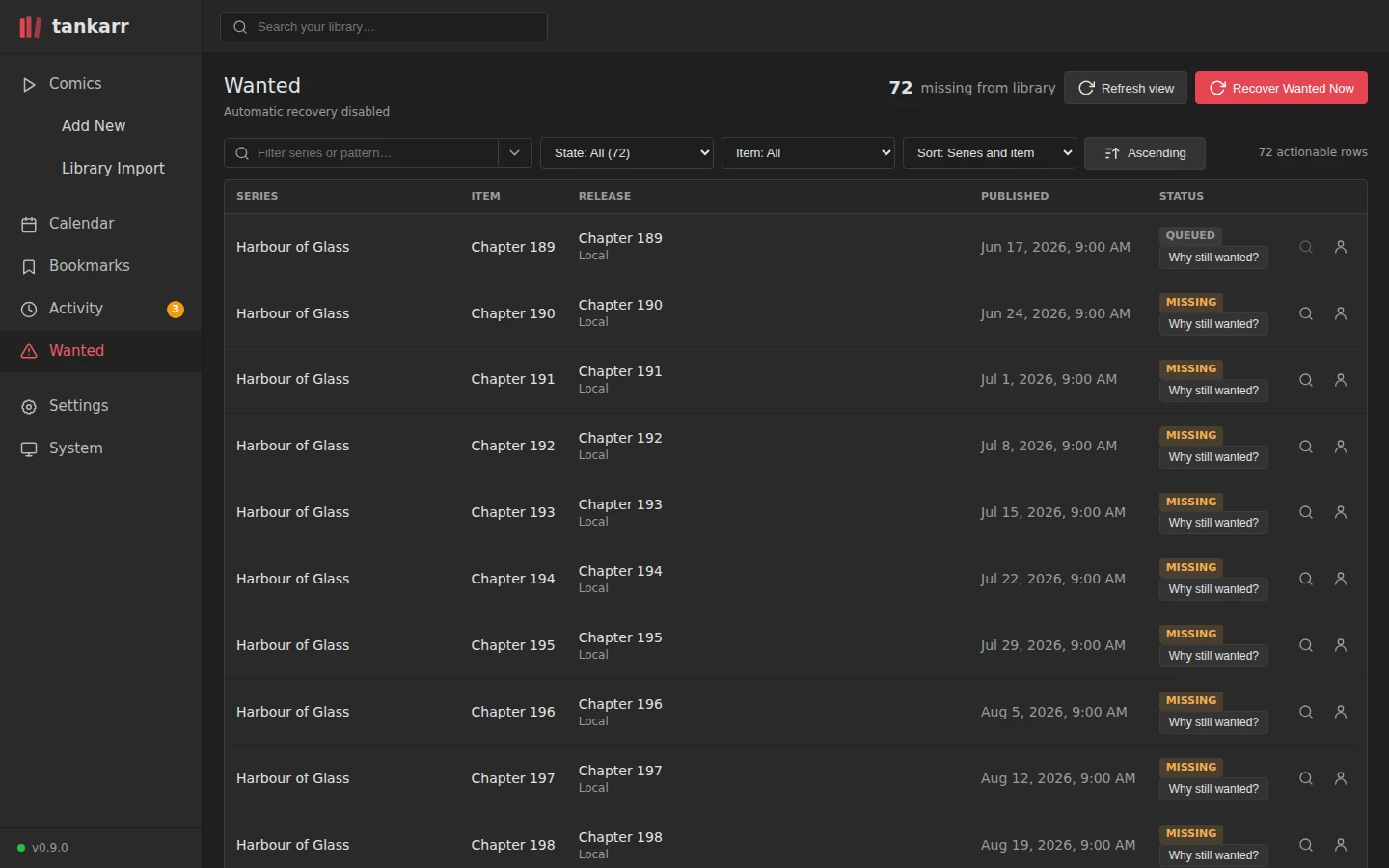
Everything monitored that is still missing, with the state of the last attempt and a "why still wanted?" explanation per row. Search interactively or let the scheduled recovery pass work through the backlog.
Settings
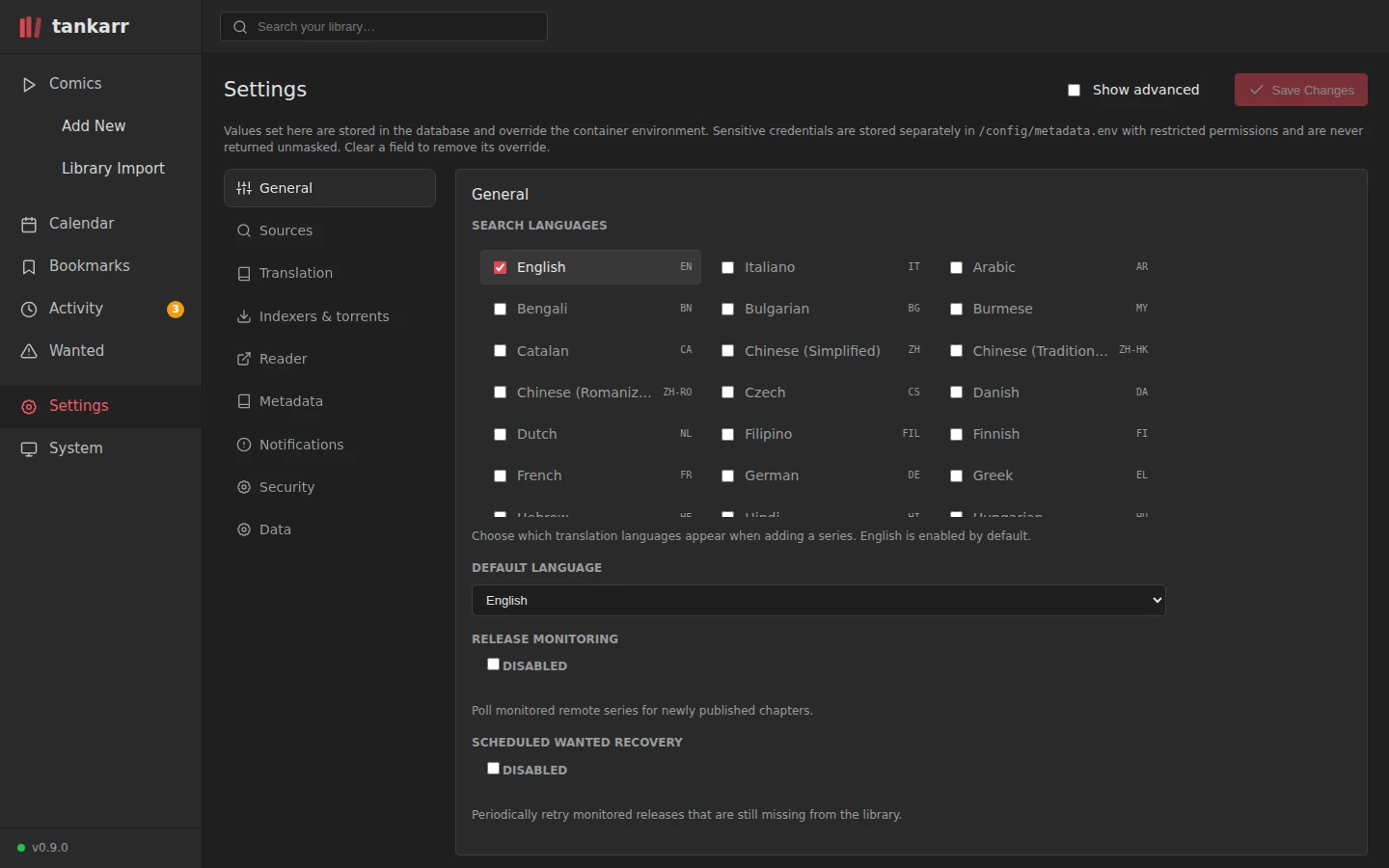
Languages, sources, indexers and download clients, readers, metadata, notifications, security and data, all editable from the interface and stored in the database; the container environment provides the defaults.
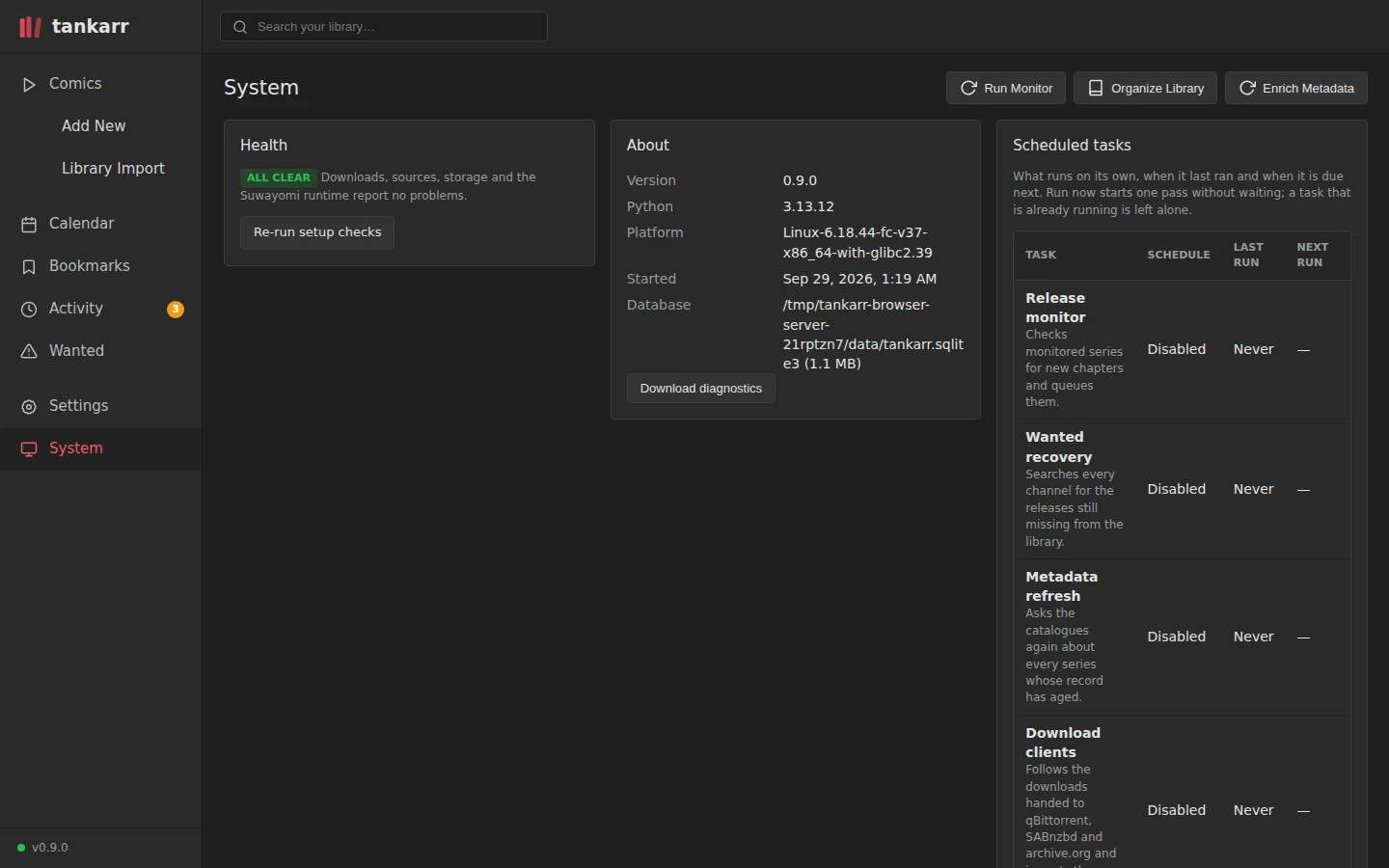
System
Health checks, the scheduled tasks with Run now, logs, storage, backups and the state of every integration.