Tankarr

Tankarr is a self-hosted manga, manhwa and comics manager for the *arr stack: a Sonarr for manga. It follows the series you read, downloads new chapters and volumes in your language, and files them into a clean CBZ library that Komga, Kavita, Stump or its own built-in reader can open.
It is free software under the GPL-3.0 licence, distributed as a Docker image
for amd64 and arm64.
Try the online demo Install Tankarr
The demo is the real interface on a library of well-known manga, manhwa and manhua, added through the catalogue the way you would add them: every page, the Calendar, the Wanted list, Settings and the built-in reader. Nothing is downloaded and nothing you change is saved. Covers and descriptions come from MangaBaka; the only pages you can read are those of Pepper&Carrot by David Revoy (CC BY 4.0).
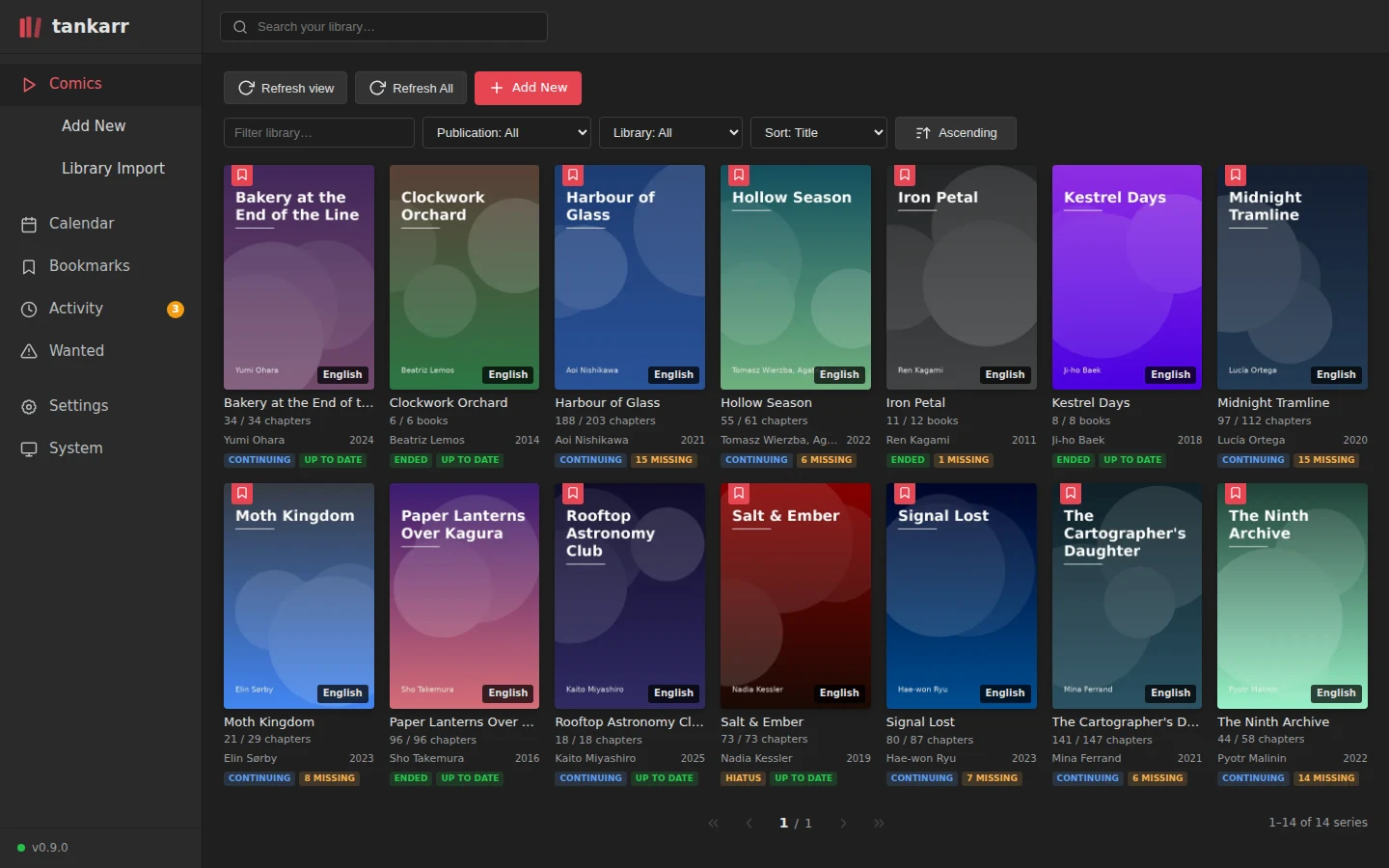
More in the screenshots; if you are weighing it against Mylar3, Kapowarr or Suwayomi, read how Tankarr compares.
What it does
- Monitors your series with the familiar *arr profiles (all, future, existing or none) and a Wanted list that explains what was tried.
- Identifies works through a catalogue, MangaBaka, cross-checked with MangaUpdates, AniList, Kitsu and MyAnimeList, instead of trusting download sites' titles and numbering.
- Downloads from many channels: a managed Suwayomi engine with Mihon/Tachiyomi-compatible extensions, Prowlarr indexers with qBittorrent and SABnzbd, the Internet Archive, and a local import folder.
- Keeps the language on each release, and checks indexer downloads with OCR before they enter the library.
- Follows chapters or volumes, whichever a work actually offers, and can assemble chapters into books.
- Writes a portable library: consistent names,
ComicInfo.xml, covers, atomic hash-checked imports, a recycle bin and automatic backups. - Looks and feels like Sonarr: Library, Calendar, Activity, Wanted, History, Settings and System, with interactive release search.
- Speaks your language: the interface is available in English and Italian, chosen per browser.
Start here
- Install Tankarr with Docker Compose.
- Get started: connect sources and add your first series.
- Look up any option in the configuration reference.
- Connect your other services: integrations.
- Keep it up to date: upgrading and release channels.
Questions? Read the FAQ or ask in the discussions.